Element Management
The element management functions of
Scene object is to manage the
Mobject objects of
Scene object. The element management functions are
- def add(self, *mobjects)
- def remove(self, *mobjects)
- def add_mobjects_among(self, values)
- def add_foreground_mobjects(self, *mobjects)
- def add_foreground_mobject(self, mobject)
- def remove_foreground_mobjects(self, *to_remove)
- def remove_foreground_mobject(self, mobject)
- def clear(self)
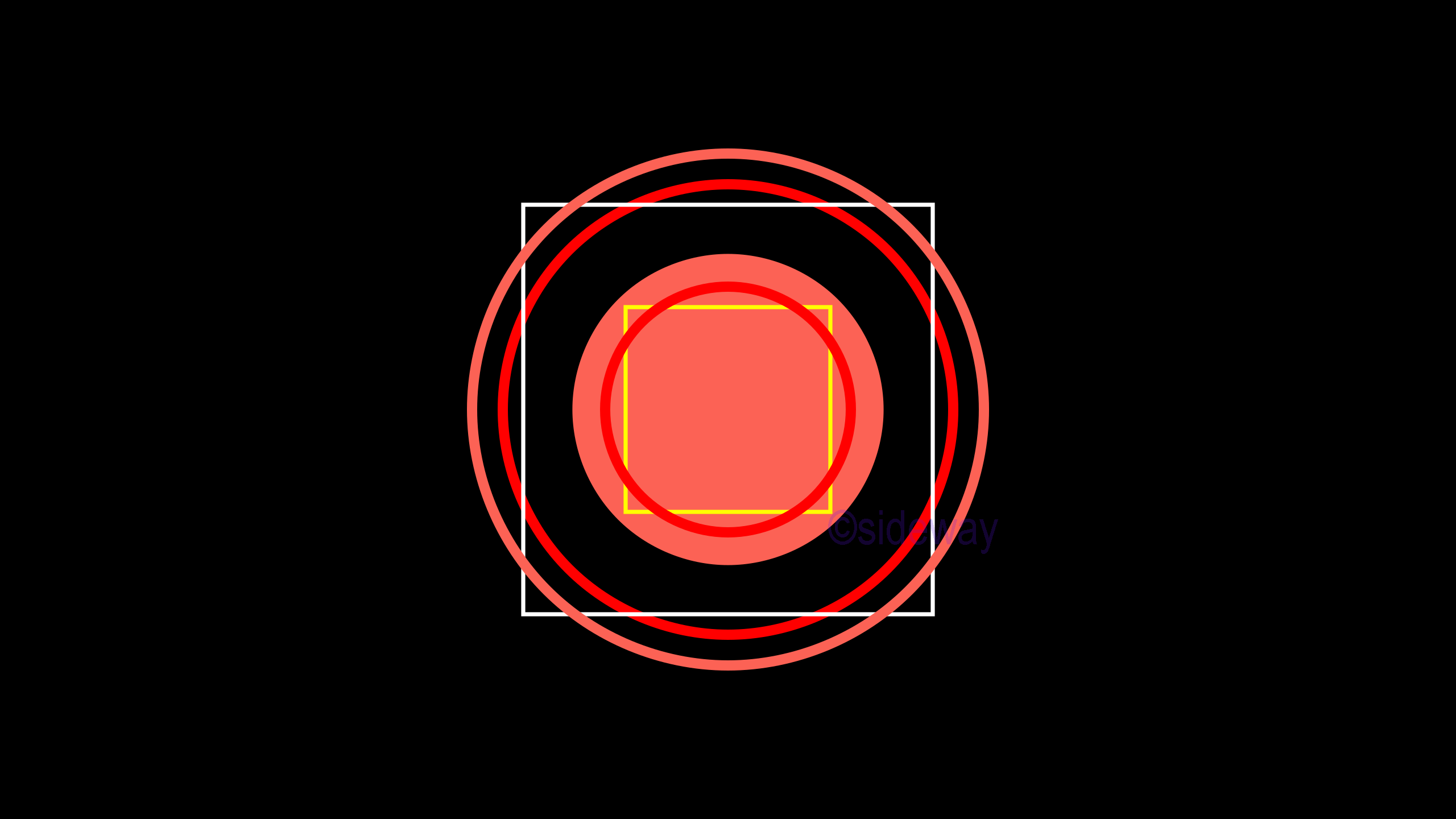
def add(self, *mobjects)
Add one or more
Mobject objects to the casting list of
Scene object.
Mobjects are added to
Scene object from background to foreground in the order with which these
Mobject objects are added. In other words,
Mobject object added by
add(self, *mobjects) will always be placed in front of others
Mobject objects in the
Scene object. Usually, a
Mobject object is added through an instance of the
Mobject object, by reference to a
Mobject object name, to the casting list of the
Scene object for easier manipulation. However, the same
Mobject instance represented by variables always refer to the same
Mobject of the
Scene object, unless a varible is reassigned to another
Mobject instance. Besides,
Mobject objects can also be added by direct construction as static
Mobjects in the
Scene object.
last updated 27Dec2019
Example Scene.add
Example of Scene.add
Code Scene.add
# folder/file: tut/manim_scene_add_001a.py

from manimlib.scene.scene import Scene
from manimlib.mobject.geometry import Circle
from manimlib.mobject.geometry import Square

class manim_scene_add_001a(Scene):
    def construct(self):
        self.add(Circle(fill_opacity=1,radius=1.5))
        self.add(Square(color="#FFFF00"),Circle(radius=1.2,color="#FF0000",stroke_width=10))
        temp1=Circle(stroke_width=10,radius=2.5)
        temp2=Square(color="#FFFFFF",side_length=4)
        temp3=Circle(radius=2.2,color="#FF0000",stroke_width=10)
        self.add(temp3)
        self.add(temp2,temp1)
Output Scene.add
def remove(self, *mobjects)
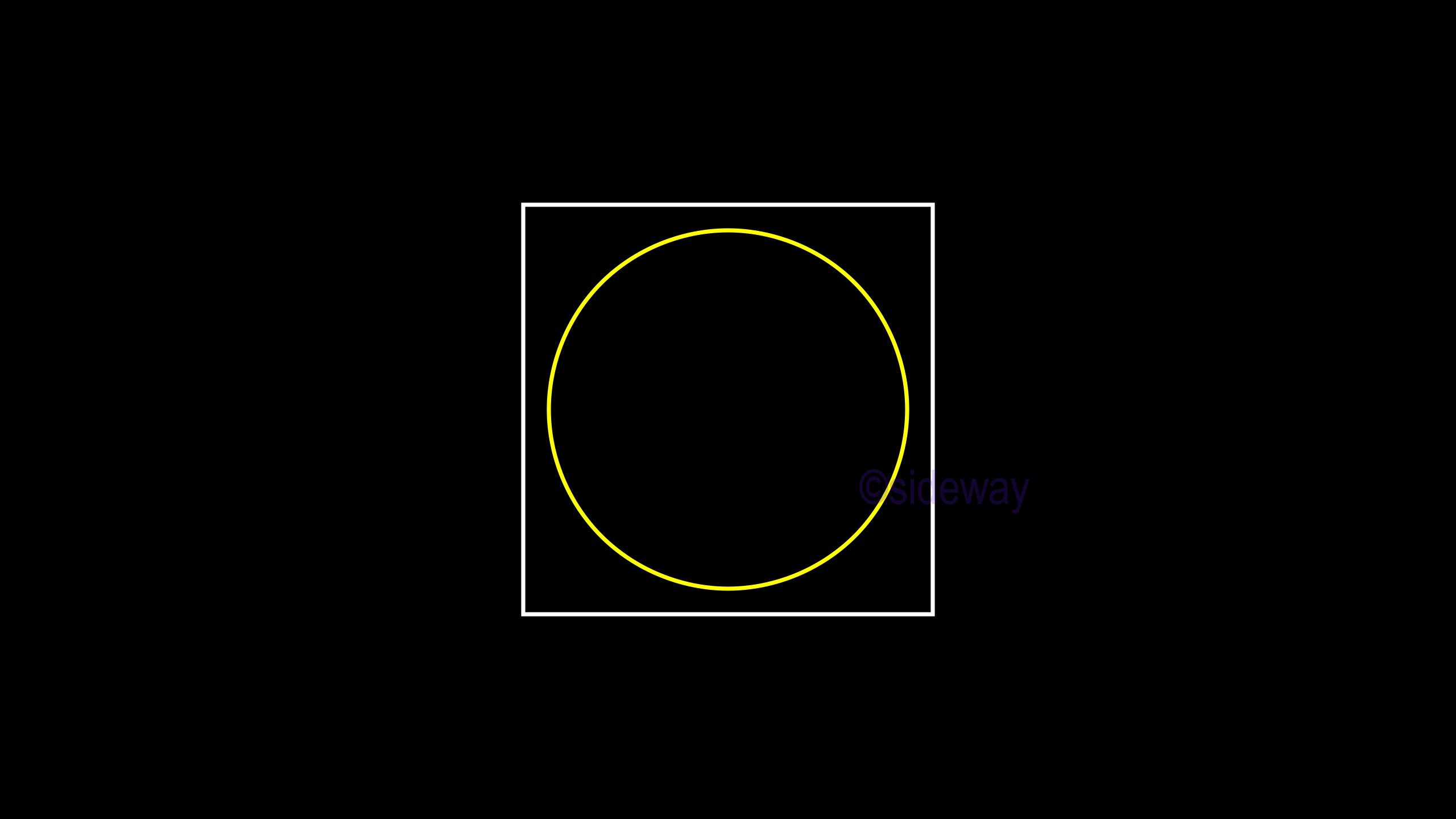
Only remove one or more
Mobject objects, by reference to the corresponding
Mobject object names, from both the casting list and priority casting list of
Scene object, while the instances of
Mobject objects are still available for later use in the
Scene object. The remove function will only remove the specified
Mobject objects if present from the casting list through scanning both the mobjects and submobjects of grouped mobjects in the
Scene object. In other words, only the specified
Mobject objects will be completely removed from the casting list of
Scene object and any specified
Mobject object with no unmatched
Mobject object will be ignored.
last updated 27Dec2019
Example Scene.remove
Example of Scene.remove
Code Scene.remove
# folder/file: tut/manim_scene_remove_001a.py

from manimlib.scene.scene import Scene
from manimlib.mobject.geometry import Circle
from manimlib.mobject.geometry import Square
from manimlib.mobject.mobject import Mobject

class manim_scene_remove_001a(Scene):
    def construct(self):
        self.add(Circle(fill_opacity=1,radius=1.5))
        self.add(Square(color="#FFFF00"),Circle(radius=1.2,color="#FF0000",stroke_width=10))
        temp1=Circle(stroke_width=10,radius=2.5)
        temp2=Square(color="#FFFFFF",side_length=4)
        temp3=Circle(radius=2.2,color="#FF0000",stroke_width=10)
        temp4=Circle(color="#FFFF00",radius=1.75)
        temp5=Square(color="#FFFF00",side_length=2.25)
        temp6=Square(fill_opacity=1,side_length=5.25)
        dummy=Mobject().add(temp4,temp5)
        self.add(temp1,temp2,temp3,dummy)
        self.remove(temp3)
        self.remove(temp1,temp5,temp6)
Output Scene.remove


 Nu Html Checker
  53
53  na
na  na
na
