Geometry Curved Line
The defined geometry
VMobject related to curved line in geometry.py
- Class TipableVMobject(VMobject)
- Class Arc(TipableVMobject)
- Class ArcBetweenPoints(Arc)
- Class CurvedArrow(ArcBetweenPoints)
- Class CurvedDoubleArrow(CurvedArrow)
- Class CubicBezier(VMobject)
Class TipableVMobject(VMobject)
TipableVMobject is used as a dummy tipable vmobject container with base tipable vmobject manipulating functions. A
TipableVMobject object focuses only on the internal structural design of a VMobject object.
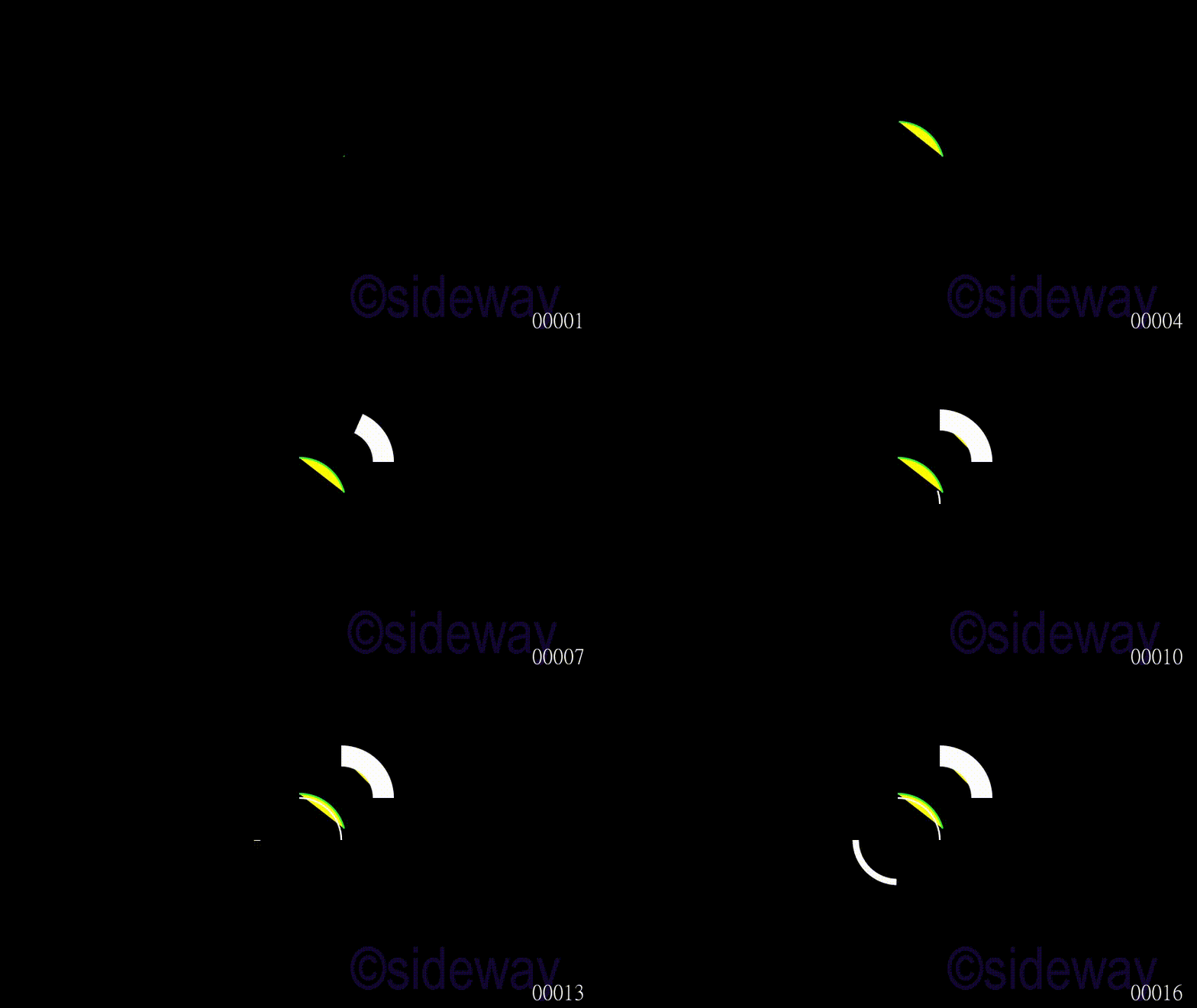
Class Arc(TipableVMobject)
Arc is used to generate an arc for given
radius,
arc_center,
start_angle, and
angle.
Example
Code
# folder/file: tut/manim_mobject_arc_001a.py

from manimlib.scene.scene import Scene
from manimlib.mobject.geometry import Arc
from manimlib.animation.creation import ShowCreation

class manim_mobject_arc_001a(Scene):
   def construct(self):
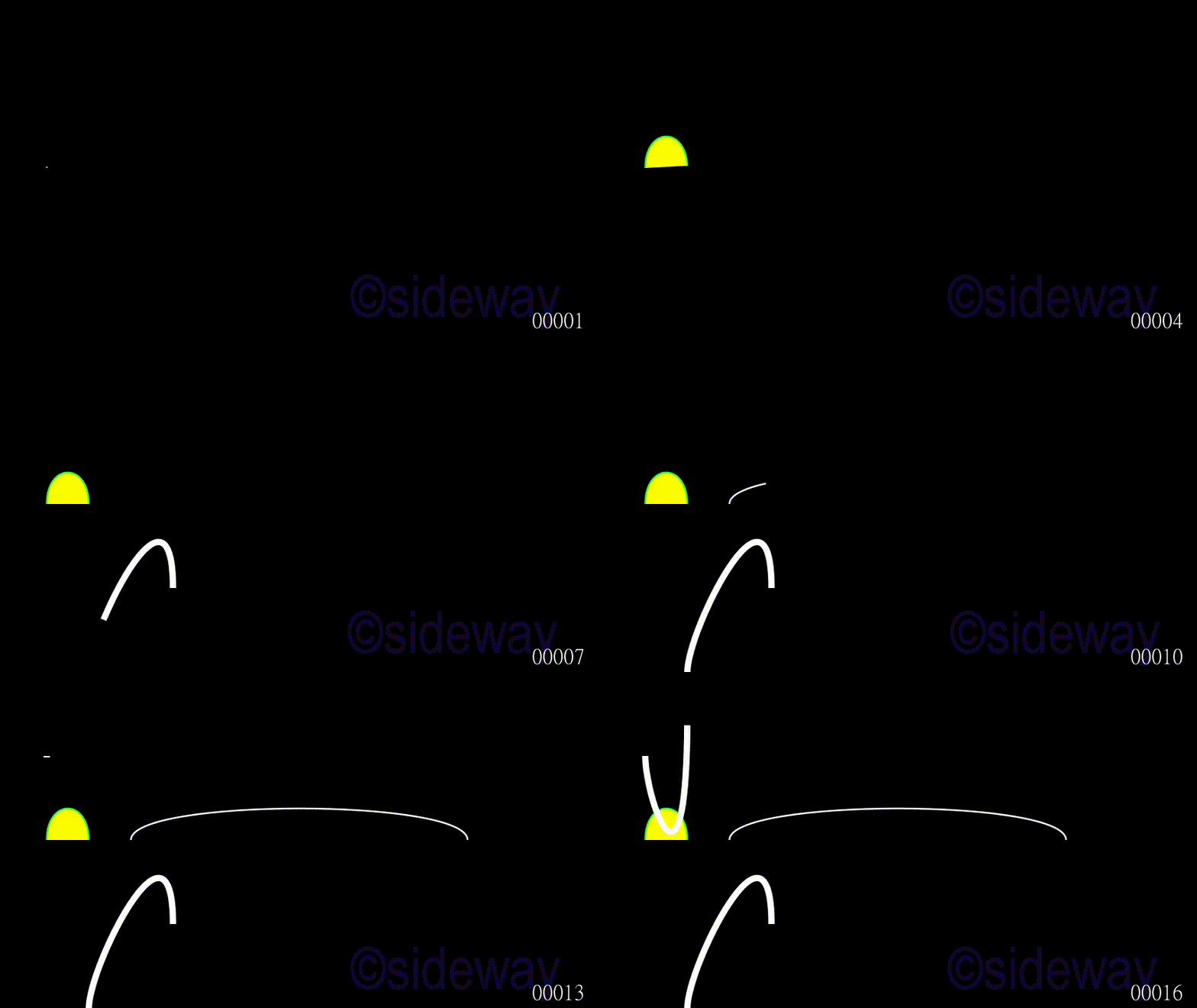
      poly = Arc(radius=1.1,arc_center=(0,0,0),start_angle=0.25,angle=1.3208,color="#33FF33",fill_color="#FFFF00",fill_opacity=1)
      self.play(ShowCreation(poly),run_time=2)
      self.play(ShowCreation(Arc(arc_center=(1,1,0),stroke_width=50,fill_color="#FFFF00",fill_opacity=1)),run_time=2)
      self.play(ShowCreation(Arc()),run_time=2)
      self.play(ShowCreation(Arc(start_angle=3.1416,angle=1.5708,stroke_width=15)),run_time=2)
Output
Class ArcBetweenPoints(Arc)
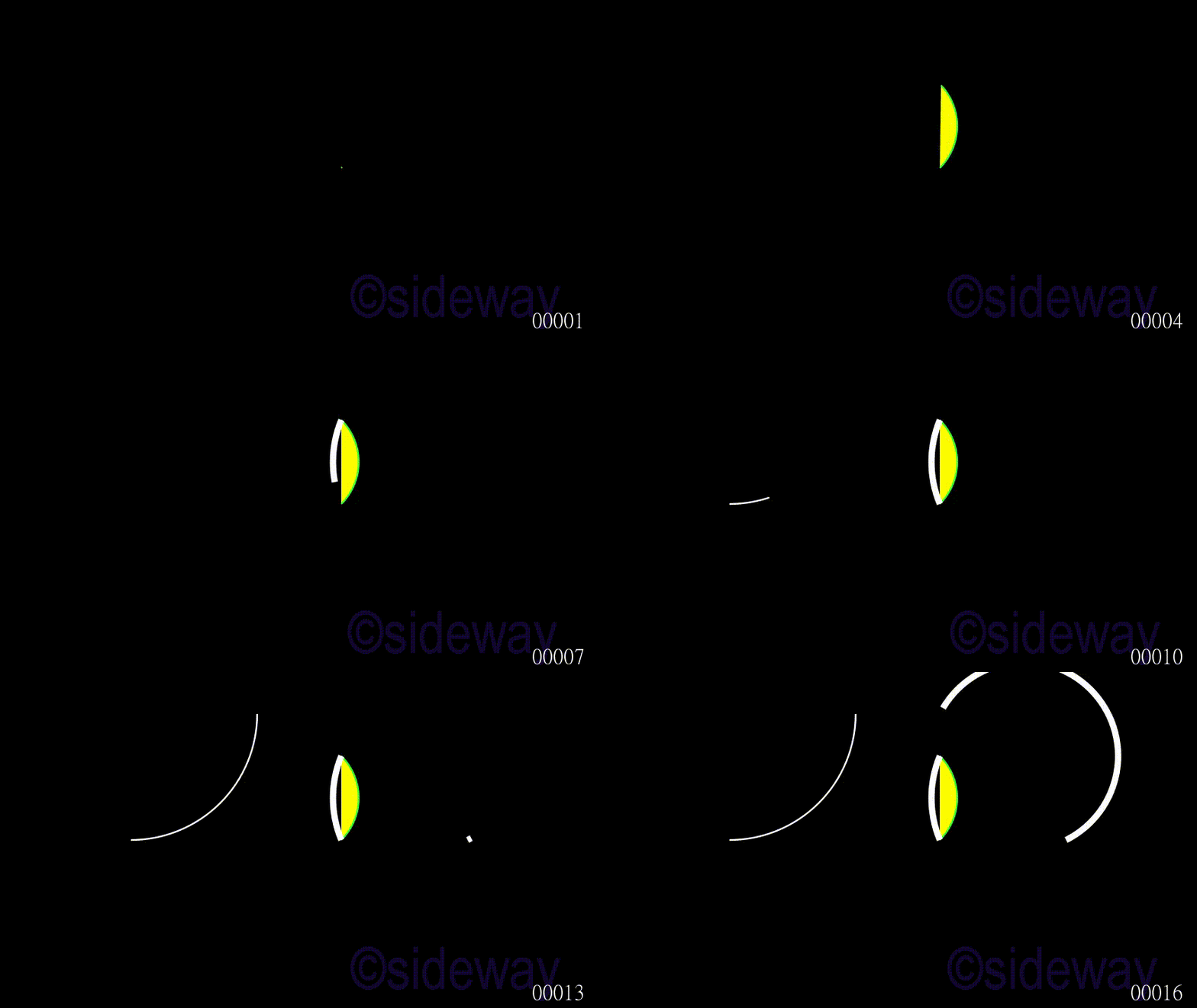
ArcBetweenPoints is used to generate an arc for given
start point,
end point and
angle between points.
Example
Code
# folder/file: tut/manim_mobject_arcbetweenpoints_001a.py
import numpy as np
from manimlib.scene.scene import Scene
from manimlib.mobject.geometry import ArcBetweenPoints
from manimlib.animation.creation import ShowCreation

class manim_mobject_arcbetweenpoints_001a(Scene):
   def construct(self):
      poly = ArcBetweenPoints(np.array([1,0,0]),np.array([1,2,0]),color="#33FF33",fill_color="#FFFF00",fill_opacity=1)
      self.play(ShowCreation(poly),run_time=2)
      self.play(ShowCreation(ArcBetweenPoints(end=np.array([1,0,0]),start=np.array([1,2,0]),angle=0.7854,stroke_width=15)),run_time=2)
      self.play(ShowCreation(ArcBetweenPoints(np.array([-4,0,0]),np.array([-1,3,0]))),run_time=2)
      self.play(ShowCreation(ArcBetweenPoints(np.array([4,0,0]),np.array([1,3,0]),angle=3.7854,stroke_width=15)),run_time=2)
Output
Class CurvedArrow(ArcBetweenPoints)
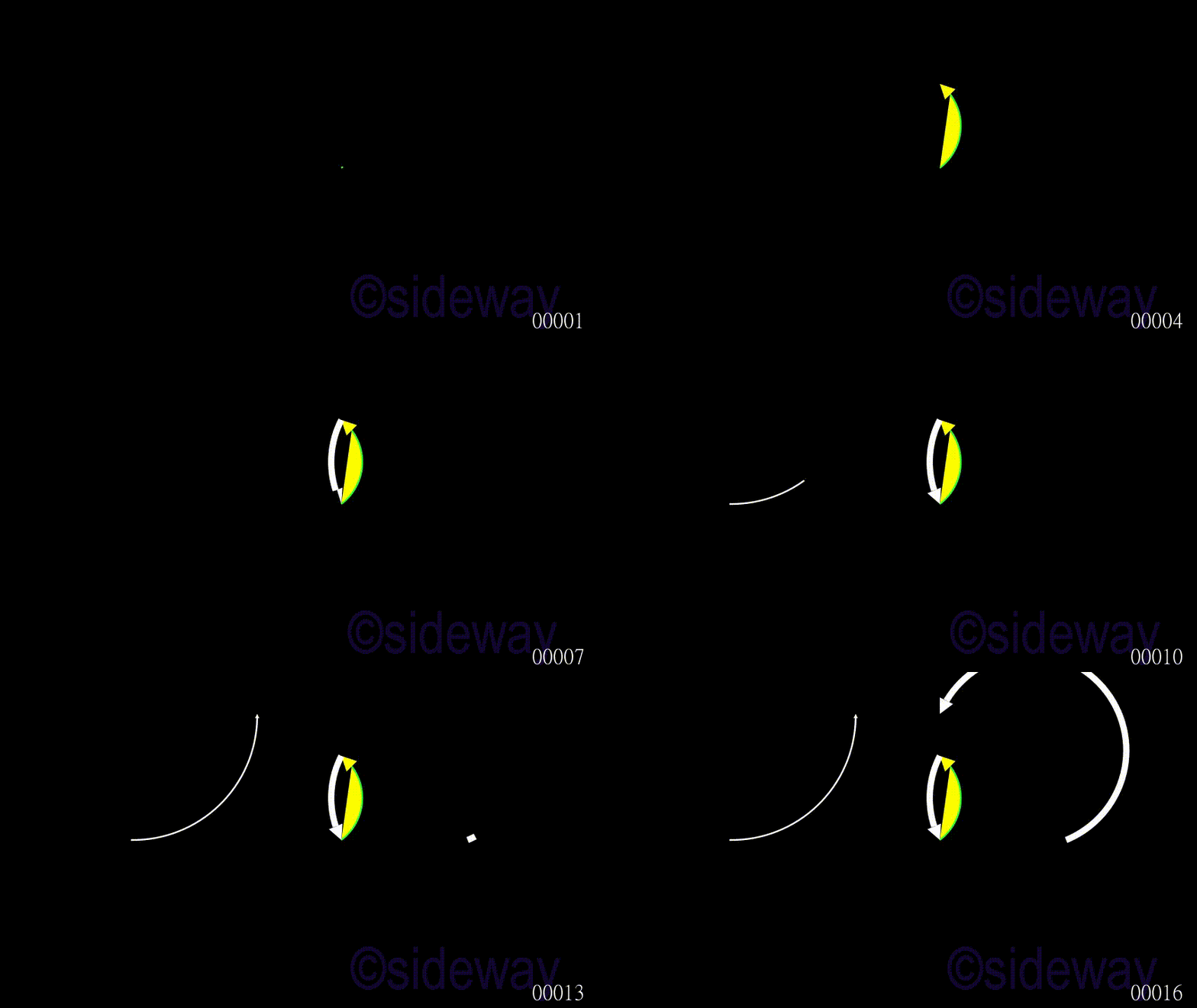
CurvedArrow is used to generate a curved arrow for given
start_point,
end_point,
angle, and
tip_length.
Example
Code
# folder/file: tut/manim_mobject_curvedarrow_001a.py
import numpy as np
from manimlib.scene.scene import Scene
from manimlib.mobject.geometry import CurvedArrow
from manimlib.animation.creation import ShowCreation

class manim_mobject_curvedarrow_001a(Scene):
   def construct(self):
      poly = CurvedArrow(np.array([1,0,0]),np.array([1,2,0]),color="#33FF33",fill_color="#FFFF00",fill_opacity=1)
      self.play(ShowCreation(poly),run_time=2)
      self.play(ShowCreation(CurvedArrow(end_point=np.array([1,0,0]),start_point=np.array([1,2,0]),angle=0.7854,stroke_width=15)),run_time=2)
      self.play(ShowCreation(CurvedArrow(np.array([-4,0,0]),np.array([-1,3,0]),tip_length=0.1)),run_time=2)
      self.play(ShowCreation(CurvedArrow(np.array([4,0,0]),np.array([1,3,0]),angle=3.7854,stroke_width=15)),run_time=2)
Output
Class CurvedDoubleArrow(CurvedArrow)
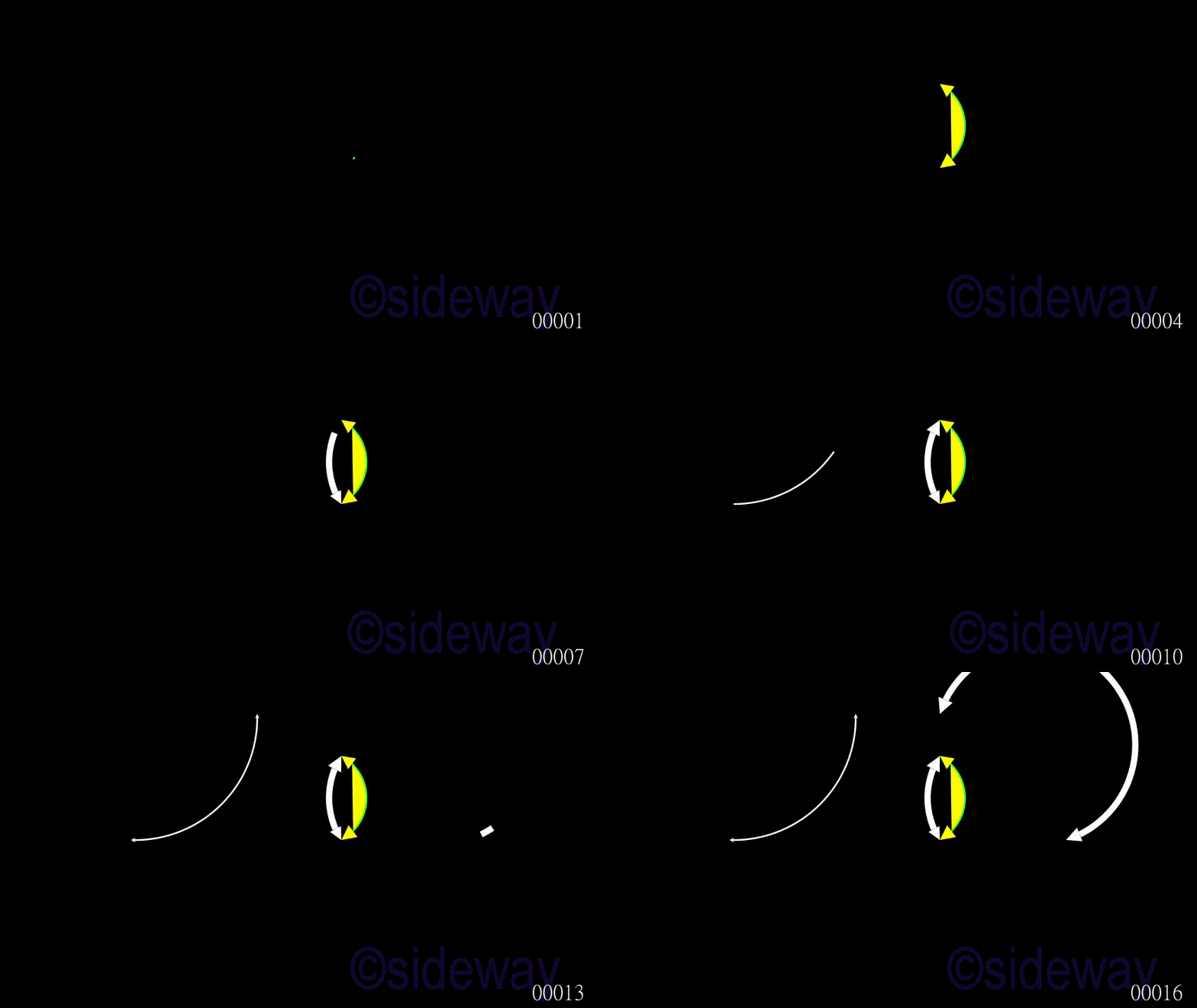
CurvedDoubleArrow is used to generate a curved double arrow for given
start_point,
end_point,
angle, and
tip_length.
Example
Code
# folder/file: tut/manim_mobject_curveddoublearrow_001a.py
import numpy as np
from manimlib.scene.scene import Scene
from manimlib.mobject.geometry import CurvedDoubleArrow
from manimlib.animation.creation import ShowCreation

class manim_mobject_curveddoublearrow_001a(Scene):
   def construct(self):
      poly = CurvedDoubleArrow(np.array([1,0,0]),np.array([1,2,0]),color="#33FF33",fill_color="#FFFF00",fill_opacity=1)
      self.play(ShowCreation(poly),run_time=2)
      self.play(ShowCreation(CurvedDoubleArrow(end_point=np.array([1,0,0]),start_point=np.array([1,2,0]),angle=0.7854,stroke_width=15)),run_time=2)
      self.play(ShowCreation(CurvedDoubleArrow(np.array([-4,0,0]),np.array([-1,3,0]),tip_length=0.1)),run_time=2)
      self.play(ShowCreation(CurvedDoubleArrow(np.array([4,0,0]),np.array([1,3,0]),angle=3.7854,stroke_width=15)),run_time=2)
Output
Class CubicBezier(VMobject)
CubicBezier is used to generate a cubic bezier for given point set, [start, start control, end control, end].
Example
Code
# folder/file: tut/manim_mobject_cubicbezier_001a.py
import numpy as np
from manimlib.scene.scene import Scene
from manimlib.mobject.geometry import CubicBezier
from manimlib.animation.creation import ShowCreation

class manim_mobject_cubicbezier_001a(Scene):
   def construct(self):
      poly = CubicBezier([(-6,0,0),(-6,1,0),(-5,1,0),(-5,0,0)],color="#33FF33",fill_color="#FFFF00",fill_opacity=1)
      self.play(ShowCreation(poly),run_time=2)
      self.play(ShowCreation(CubicBezier([(-3,-2,0),(-3,1,0),(-5,-3,0),(-5,-4,0)],stroke_width=15)),run_time=2)
      self.play(ShowCreation(CubicBezier(np.array([(-4,0,0),(-4,1,0),(4,1,0),(4,0,0)]))),run_time=2)
      self.play(ShowCreation(CubicBezier([(-6,2,0),(-6,1,0),(-5,-2,0),(-5,3,0)],stroke_width=15)),run_time=2)
Output


 Nu Html Checker
  53
53  na
na  na
na
